
RIG-TARS | A Sci-Fi Robot for Your Desk · 1:53
If embedded playback is unavailable, open the official video on YouTube.A three-servo science-fiction desktop robot
A segmented geometric body walks and turns, with a built-in terminal-style display.
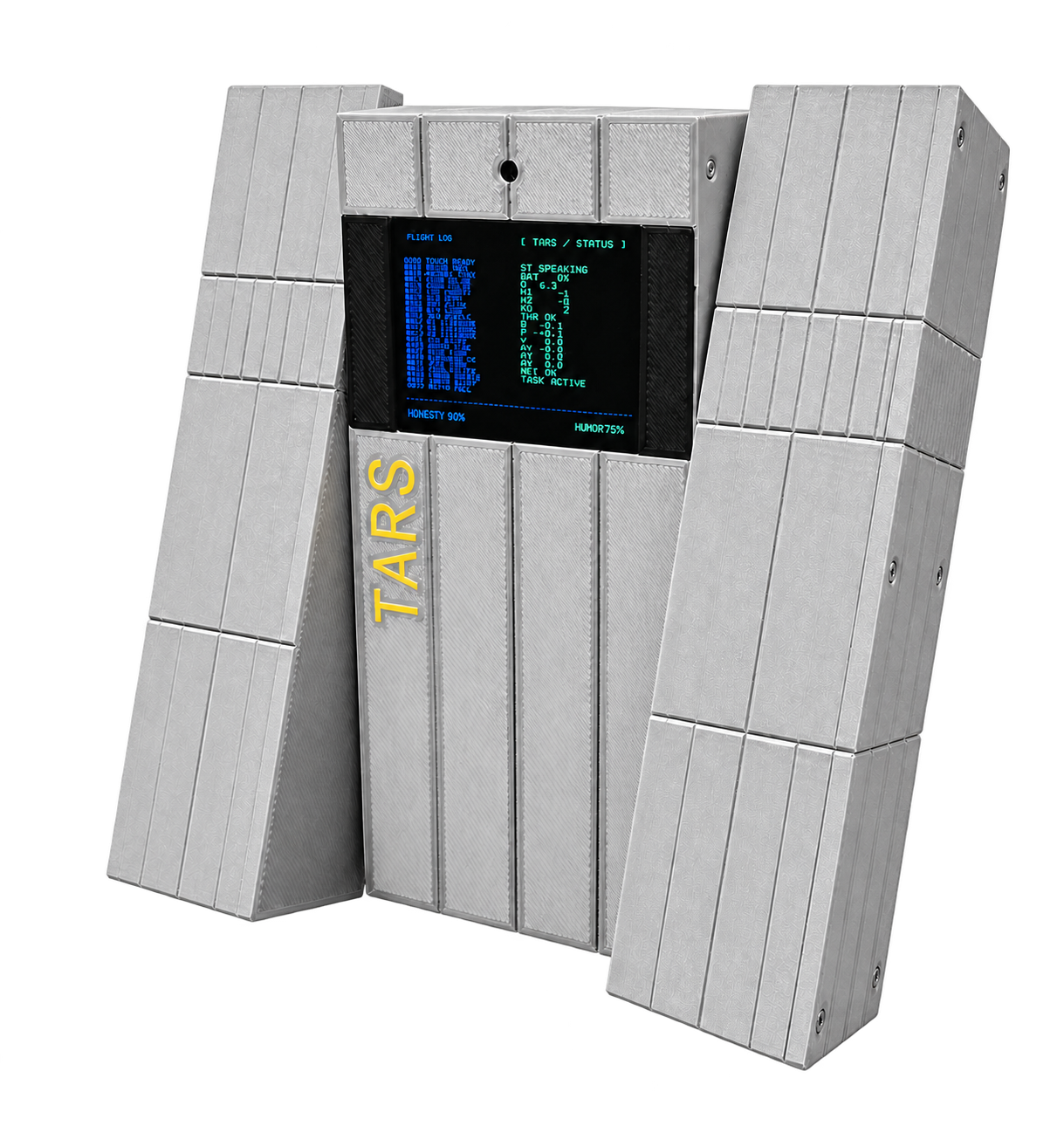
| Component | Configuration |
|---|---|
| Controller | ESP32-S3 |
| Motion | Three UART bus servos |
| Display | 320 × 240 ST7789V2 landscape display |
| Interaction | Microphone, speaker, camera integration and IMU |
| Firmware | RIG-Omni, board target tars |
Choose your starting point
- Assembled robot: open Quick start.
- Electronics kit: follow Kit assembly before the first movement.
- Developer: reproduce the original firmware build before changing behavior.
The shared firmware provides voice interaction, networking and MCP tools. Motion, controls and display behavior remain specific to each model. Hardware batches can differ; use the supplied board and wiring labels for connector details.
Continue
Quick start · Kit assembly · Development · Troubleshooting
Build from the public source
TARS source, board configuration, terminal renderer and motion tools are available in LuwuDynamics/rig_omni. Start with the complete beginner development workshop, including a first firmware change, Vibe Coding, MCP and recovery.