
A compact two-wheel balancing robot
Two feedback wheel motors keep the robot balanced while a separate servo turns its head.
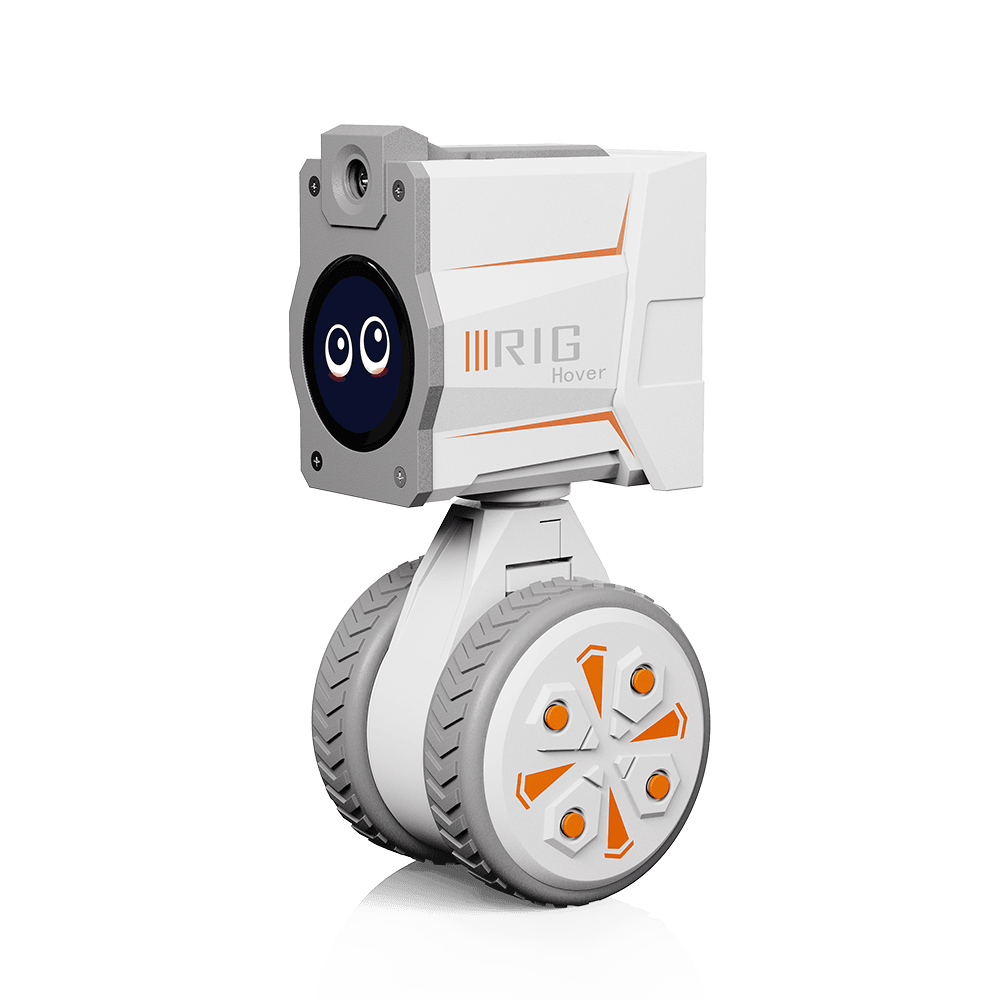
| Component | Configuration |
|---|---|
| Controller | ESP32-S3 |
| Motion | Two wheel motors and one head servo |
| Display | 240 × 240 GC9A01 round display |
| Interaction | Microphone, speaker, camera integration and IMU |
| Firmware | RIG-Omni, board target hover |
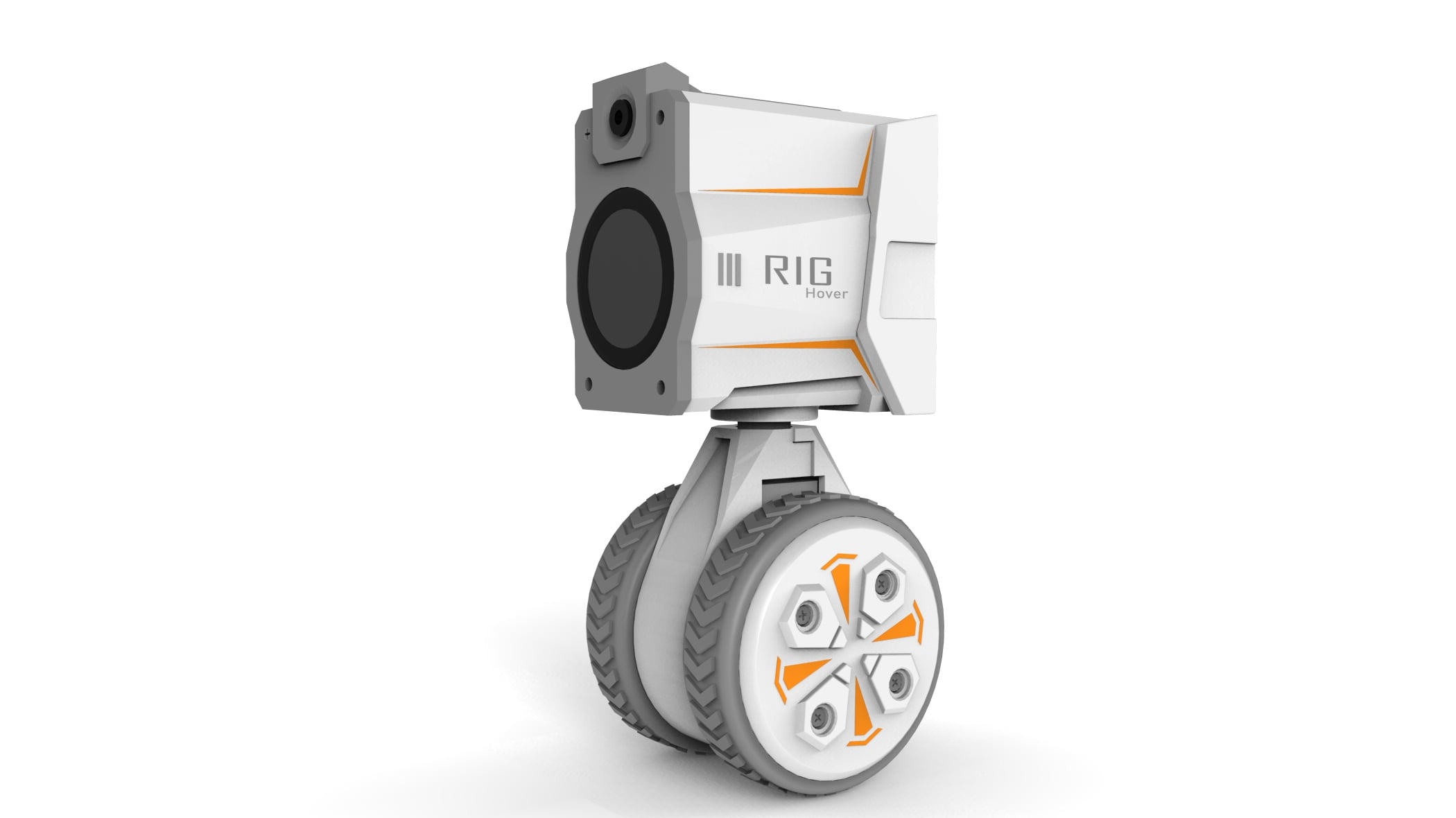
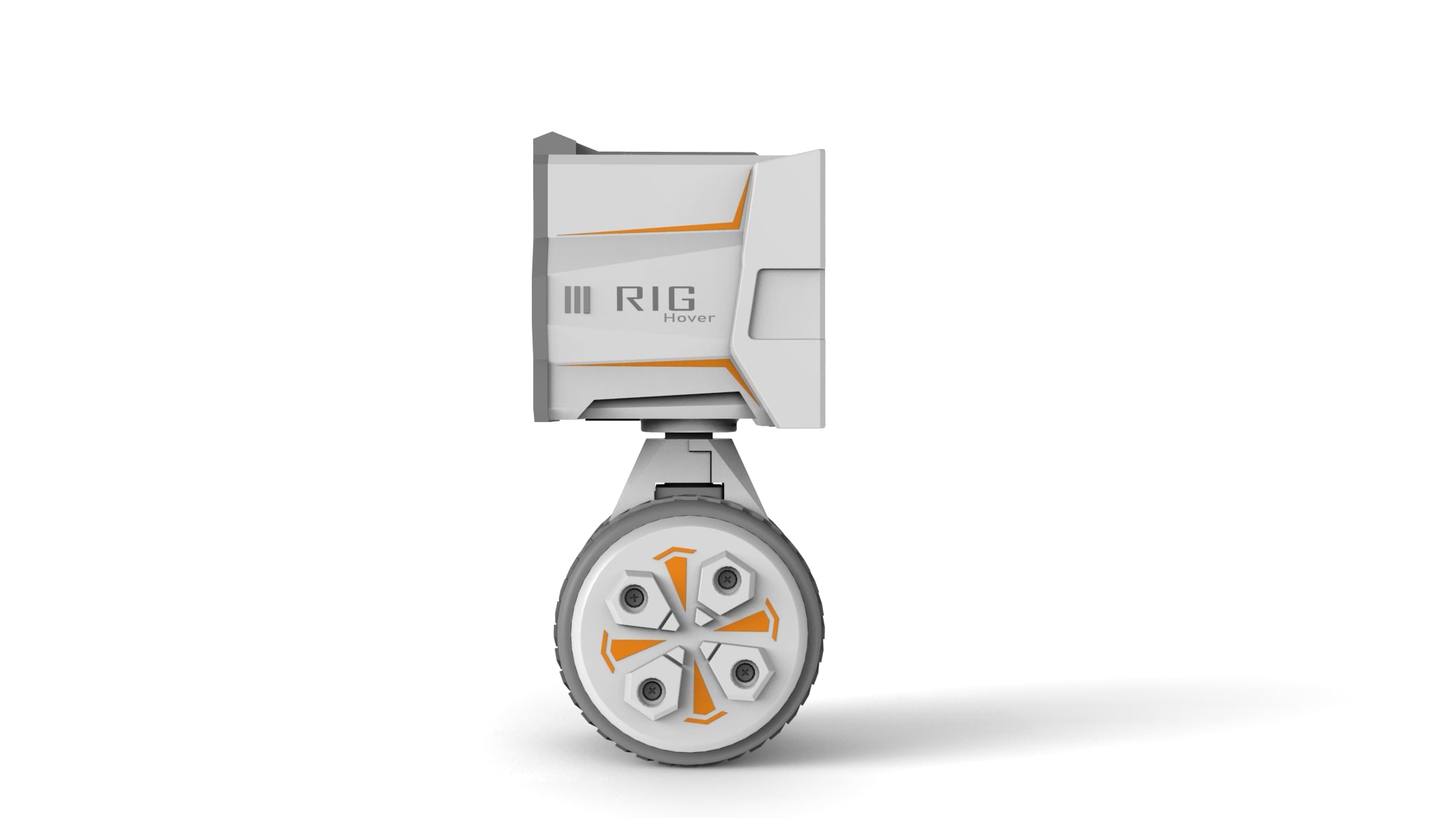
A closer look
Product images from the published Chinese handbook.
Choose your starting point
- Assembled robot: open Quick start.
- Electronics kit: follow Kit assembly before the first movement.
- Developer: reproduce the original firmware build before changing behavior.
The shared firmware provides voice interaction, networking and MCP tools. Motion, controls and display behavior remain specific to each model. Hardware batches can differ; use the supplied board and wiring labels for connector details.