
International app and dashboard
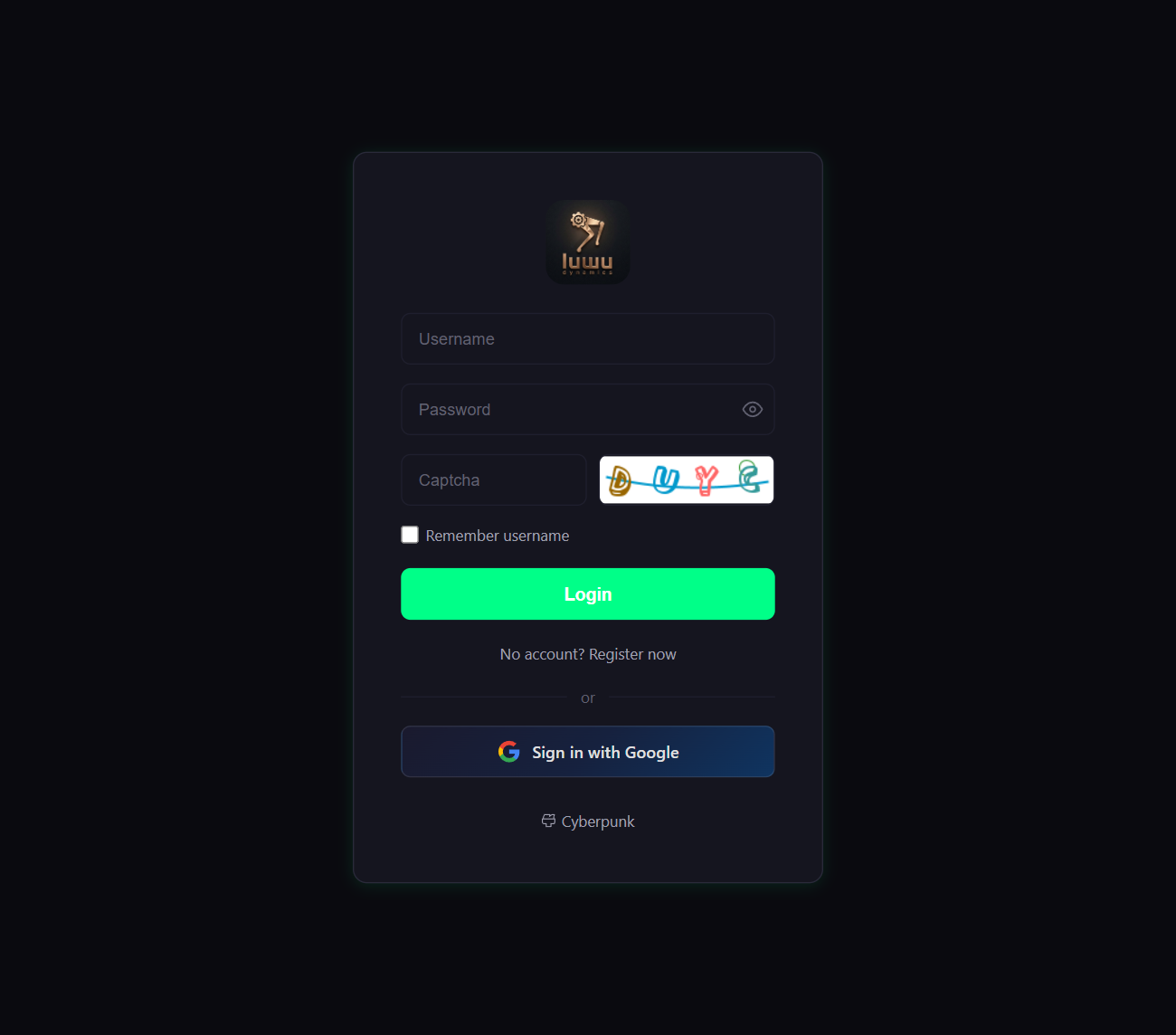
- Open the international RIG dashboard and sign in with the account used to bind your robot.
- Select your device in the device list. If it is missing, finish binding in the RIG app before changing agent settings.
- Open the device's agent settings. Select an available agent, or edit its role description. Save the configuration and apply the agent to this device.
- Select the conversation language in the audio settings and save. Available voices and features depend on the international service.
- Restart only if the interface asks you to, then start a new conversation to check the change. Changing an agent's name does not change the local wake word.
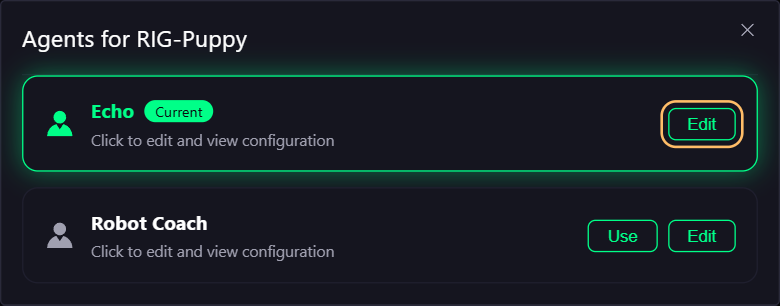
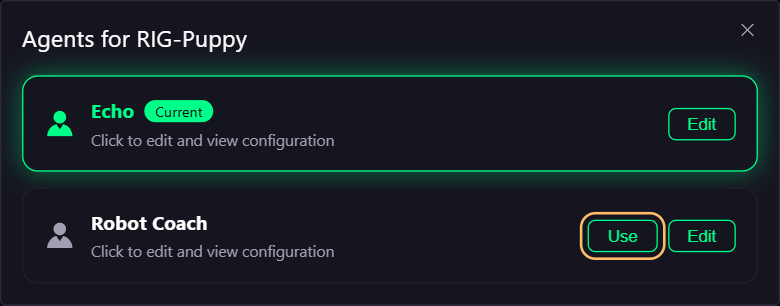
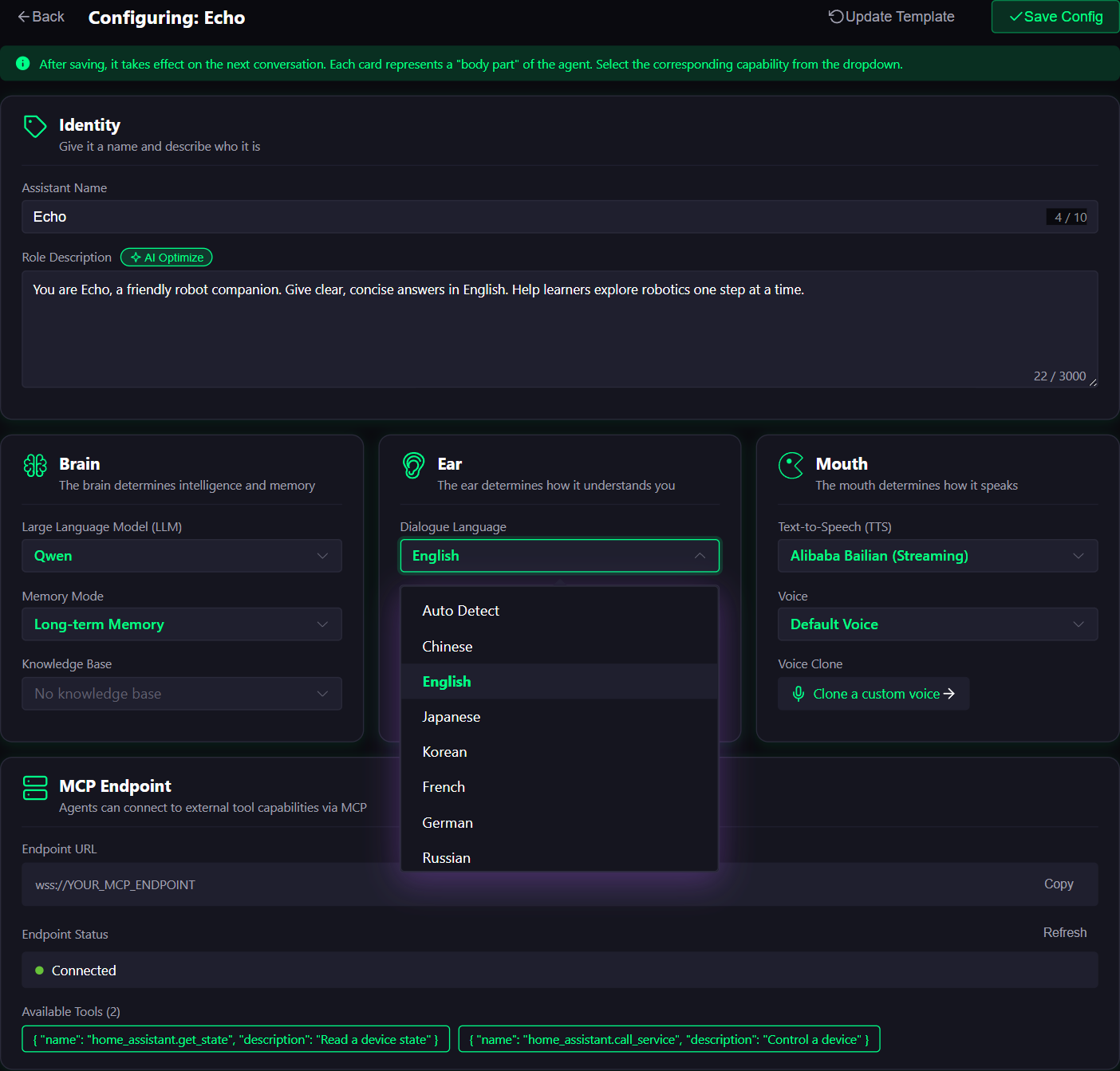
Agent, language and device settings are included directly in each model's Quick start and Everyday use pages.
MCP connections for your RIG
Device settings provide the MCP device-control configuration for desktop clients. The agent MCP access-point card connects external tools such as the LuwuDynamics Home Assistant integration. Follow the RIG MCP walkthrough or RIG-to-HA setup, using the configuration generated for your international account.