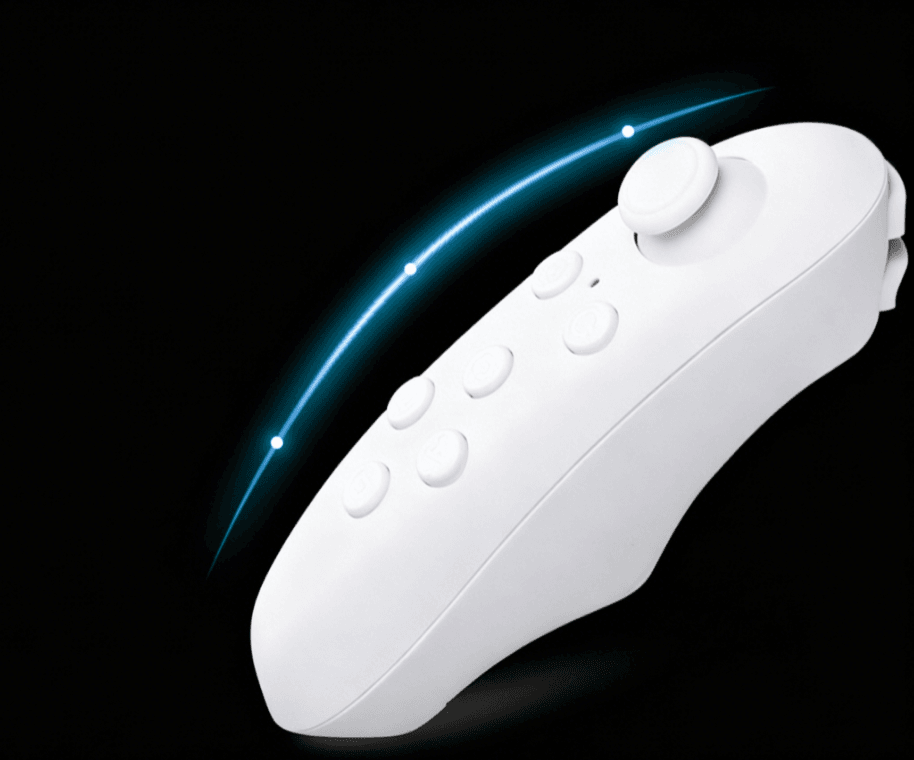
Handheld Controller (Education Edition)
The custom education-edition handheld controller uses stable Bluetooth wireless remote control and supports free configuration of visual, programmable buttons: you can customize each module's button logic and parameters, which makes it a good fit for classroom robotics.
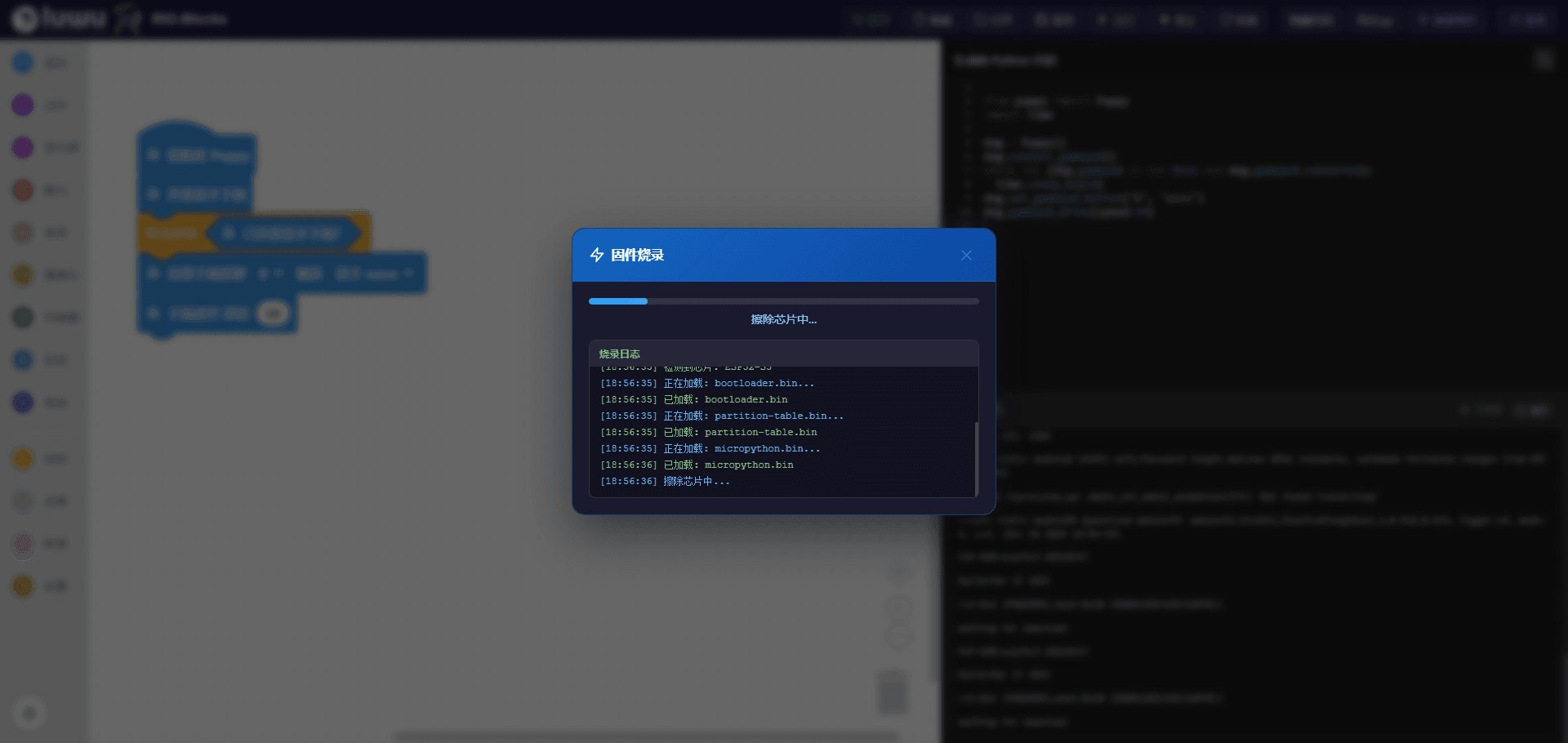
1. Flash the Controller Firmware
Open the official RIG-Blocks visual programming platform and connect the robot with the included cable. Once connected you can program both the controller buttons and the robot's action logic. First, flash the firmware as prompted.
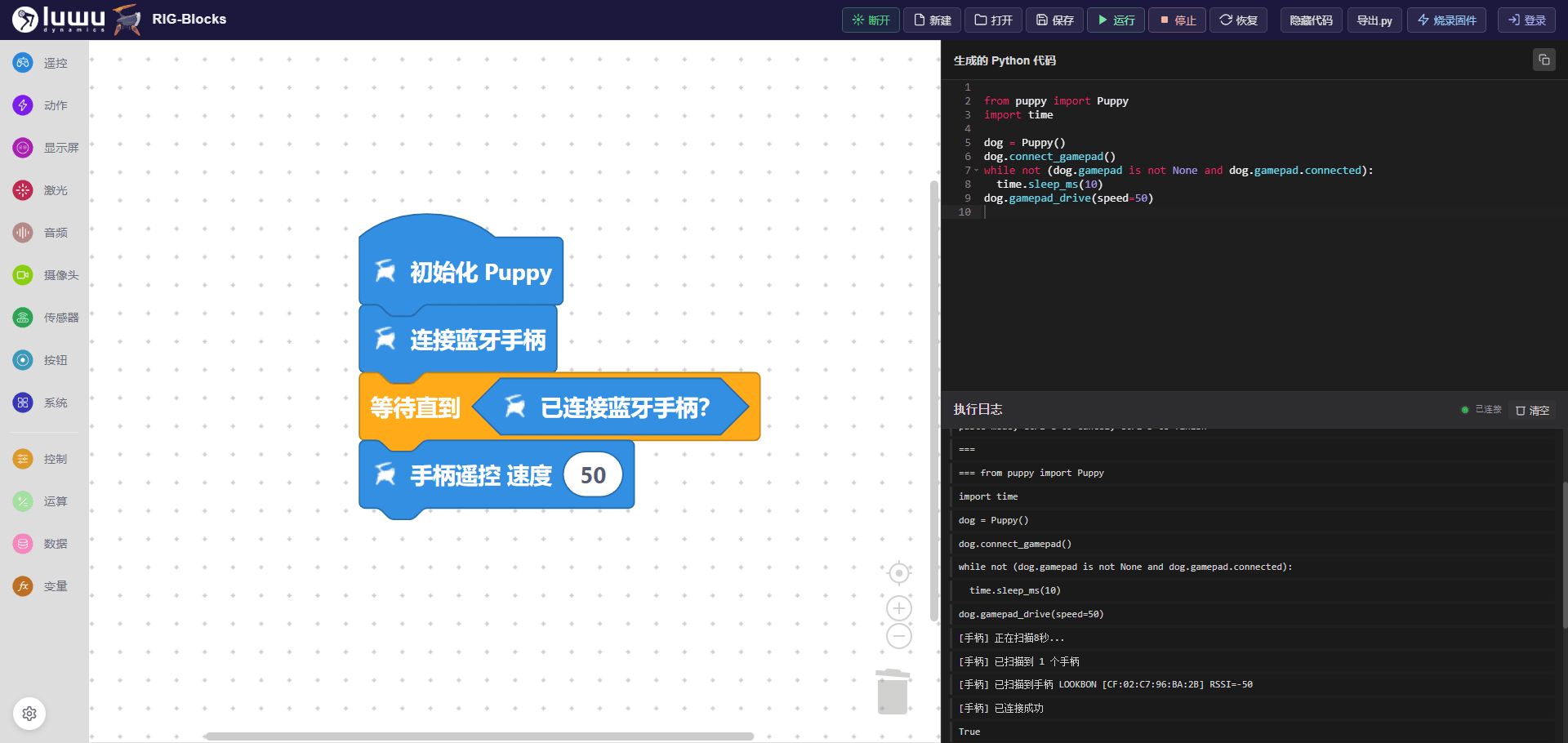
2. Program the Buttons
In the programming editor, drag and arrange blocks following the sample project. After programming, click Run (the controller boots with a blinking blue light) and wait for the "connected" prompt in the lower-right corner. The robot is now fully controllable from the handheld controller.
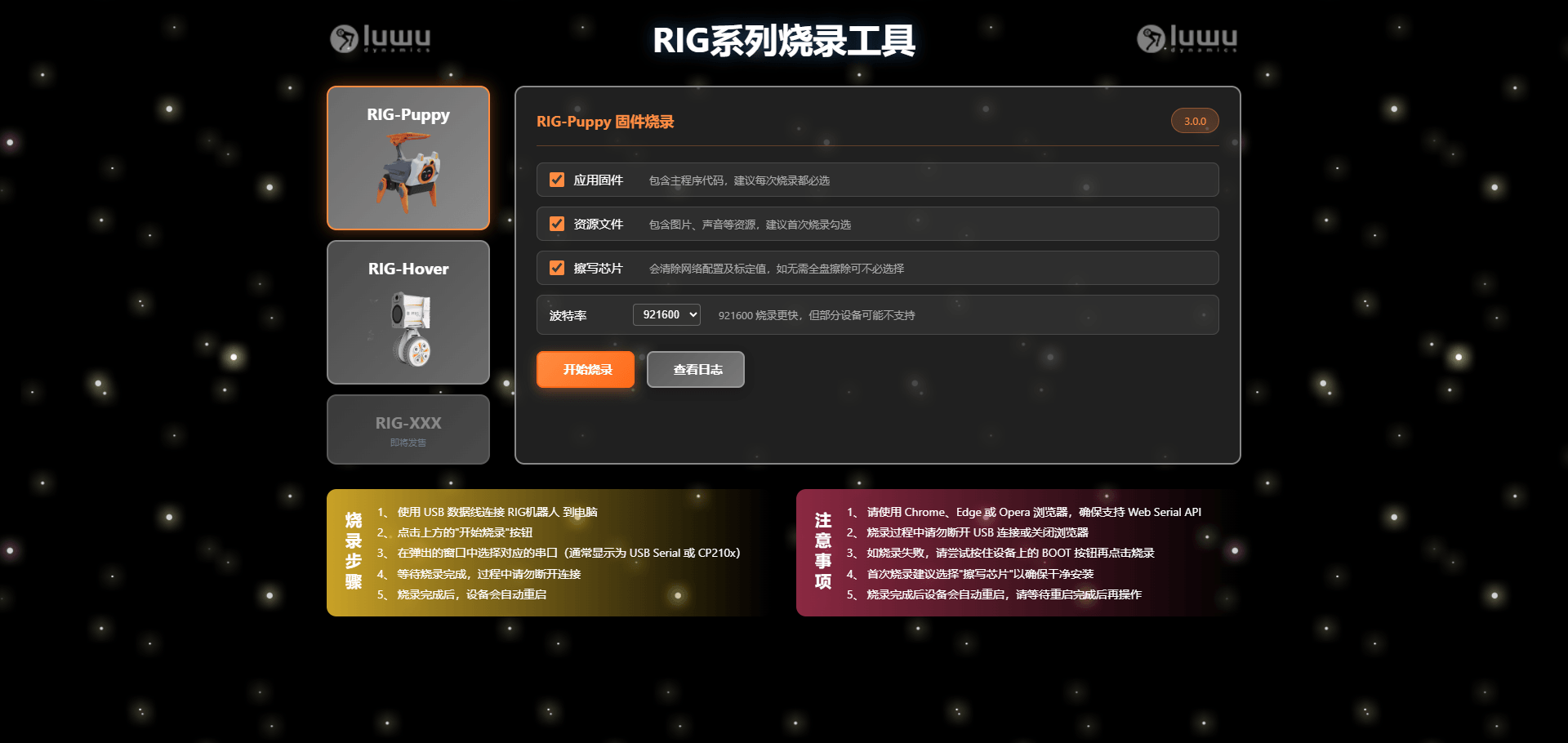
3. Restore the AI Firmware
When you want the AI conversation features back, use the RIG flashing tool to flash the original firmware again.